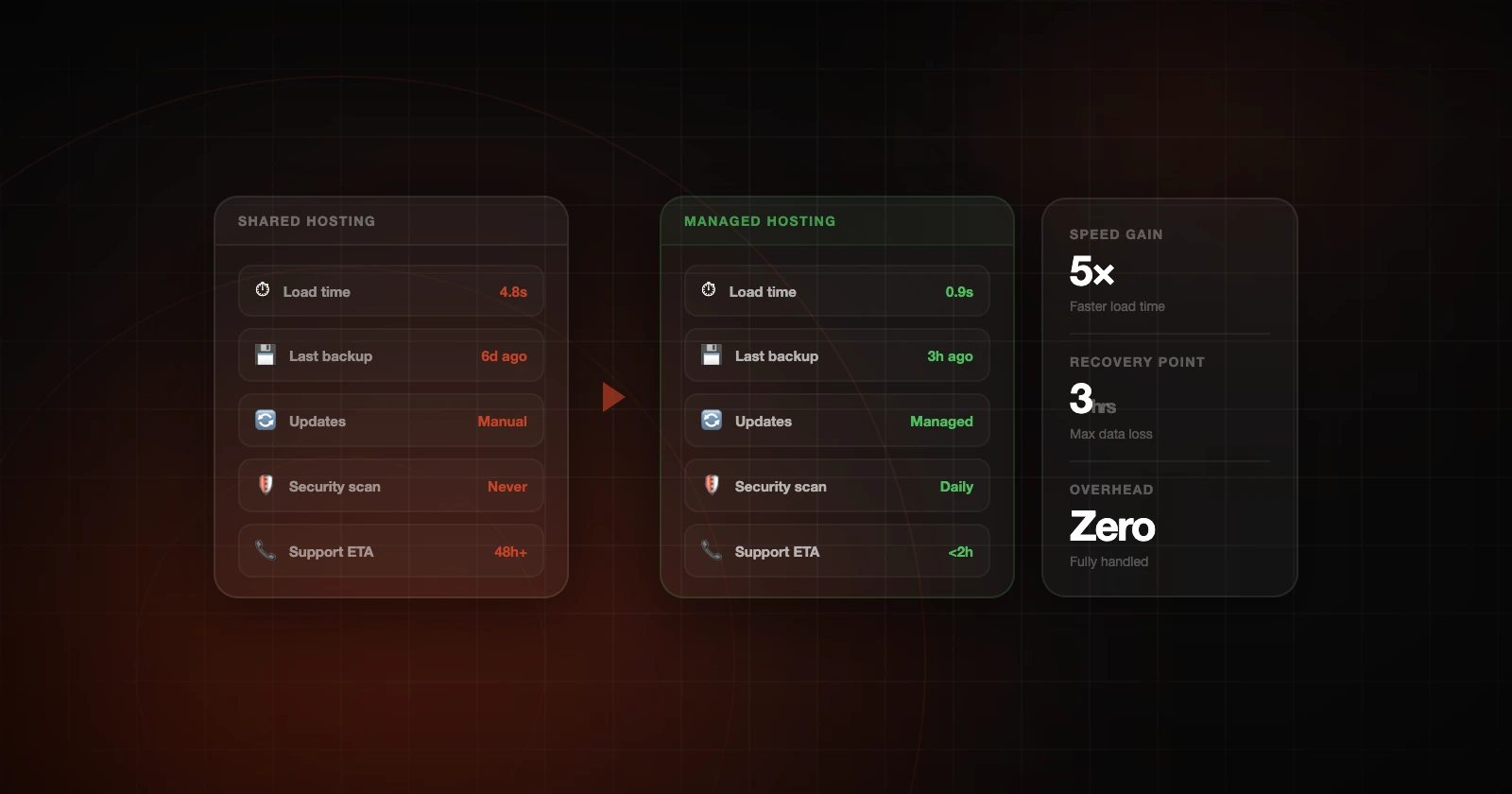
Problems are less scary when the website has a plan.
For a business website, this is more than a technical detail. Your site is often part of the first impression and the sales process, and when the foundation is weak, everything built on top of it is more fragile.
Why business websites need a plan
A website doesn't need to be complex to be important. Even a simple service business site can bring in referrals, calls and contact form submissions. If it feels slow, unstable or neglected, the business can feel that way too.
With managed hosting, someone is responsible for the website. Instead of hoping it keeps working, you have someone looking after the server, maintenance, performance and security.
The hidden risk is usually neglect
Most website problems don't appear out of nowhere. They build up over time. A plugin falls out of date, nobody checks the backups, scripts pile up, and a form stops sending reliably. The site keeps working, but it gets less dependable.
Avoiding that takes regular maintenance and someone who can see what's likely to go wrong before it becomes urgent.
Performance, security, and support are connected
Speed, security and support affect each other all the time. A security plugin can hurt performance, and a cache setting can interfere with forms. A third-party script can slow a page, and a missing backup can turn a small mistake into a major incident.
Good managed hosting treats all of this as one system. We go into this in how speed, security and support affect each other.
What to look for in a better hosting partner
Look past the server specs and ask whether the provider understands your website. Ask how updates are handled, how backups work, what happens if something breaks, and whether anyone reviews performance. Then ask whether support will help with problems that involve plugins, forms, caching or third-party tools.
If the answers are vague, you may still be dealing with generic hosting. If someone clearly owns the technical side, you're closer to managed hosting that can support the business.
How Hosterr approaches it
Hosterr is for businesses and agencies that want their website professionally managed. We look after hosting, maintenance, performance and security together, and you get real support when something comes up.
Hosterr is run by a developer, so when something goes wrong we look at the whole site: the code, plugins, database and scripts as well as the server underneath them.
Where to go next
Related reading: what website maintenance should include and when it's time to move to managed hosting.
Backups should match the risk
A simple brochure site may not need the same backup frequency as an ecommerce store, membership site, or high-traffic lead generation site. The backup plan should fit how often the website changes and what it would cost to lose recent data.
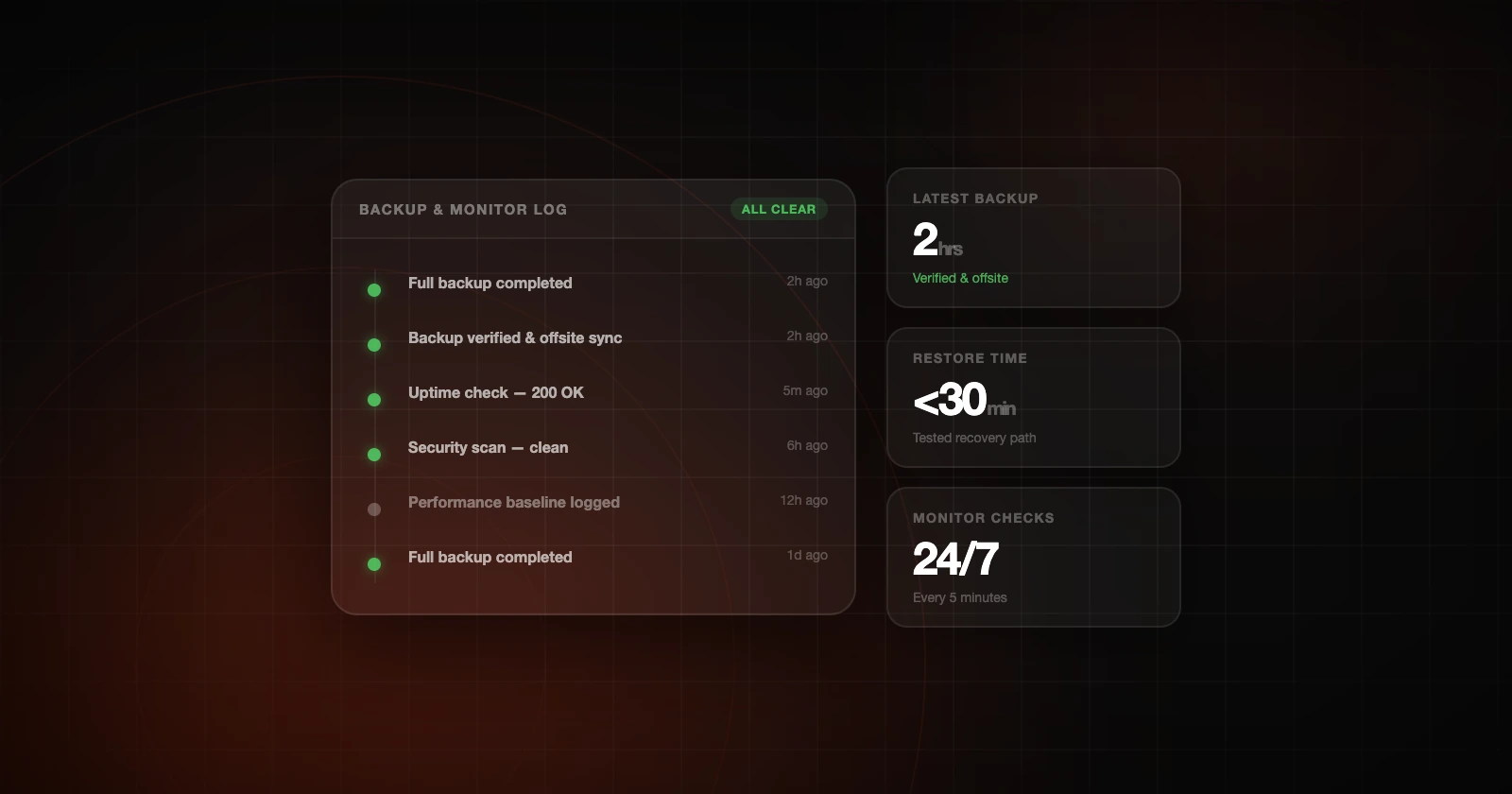
Think about how often backups run, how long they're kept, where they're stored and how you'd restore one. A backup you can't find, trust or restore quickly isn't much of a safety net.
Monitoring reduces the unknowns
Monitoring gives someone a chance to respond before a customer is the first to report a problem. It's especially useful for contact forms, key pages, uptime and performance.
Recovery is part technical and part operational
When something goes wrong, the response should be orderly: find out what changed and what's affected, decide whether to restore, check for a security problem, and tell the people who need to know. Afterward, look at what could be improved.
If you'd like someone to look at your site, get in touch.
What should be monitored?
At a minimum, an important business website should be monitored for uptime. Depending on the site, it may also make sense to watch forms, SSL status, backup completion and errors.
Keep the alerts to the ones that warn you before the business loses leads or sales.
Recovery should include communication
When something goes wrong, the people affected need clear updates. Whoever looks after your site should be able to explain what happened, what's being done, what the impact seems to be, and what could be improved afterward. Silence makes an emergency feel worse.
Backups and security belong together
Backups don't replace security, but they're part of it. If a site is hacked or damaged, a usable backup can make recovery much faster, so plan backups alongside updates, monitoring and hardening.
Testing restores builds confidence
Businesses often assume backups work because a dashboard says they exist. Testing a restore now and then, even a simple one, shows that you can get the site back.
Frequently asked questions
Is managed hosting only for large businesses?
No. It's often most useful for smaller businesses that don't have technical staff. If your website brings in leads or sales, or the business relies on it day to day, it's worth hosting properly whatever the size of the company.
How is Hosterr different from standard hosting?
Standard hosting usually gives you space to run a website. Hosterr manages the site as well: maintenance, performance, security and backups, with technical support straight from a developer.
Can managed hosting improve SEO?
Managed hosting doesn't replace content or SEO work, but it supports the technical side that SEO depends on. Faster pages, fewer errors and better uptime can all help your search rankings over time.